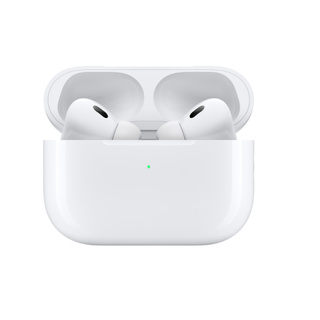
AirPods怎么连接?

编辑:星期三 |

步骤:1.打开手机蓝牙

打开iphone手机的蓝牙设置,并将AirPods盖子打开。

2.长按设备按钮

等待下方的其他设备弹出来后,用手长按耳机盒按钮。

3.显示已连接则为匹配成功

当下方出现AirPods的电量后,上方就会出现已连接标志。
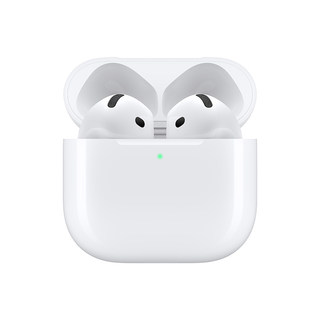

【3期免息/政府补贴】Apple/苹果 AirPods 5 无线蓝牙耳机
折后 999元
淘口令 立即购买
【政府补贴】Apple/苹果 AirPods 5 无线蓝牙耳机 降噪
折后 999元
淘口令 立即购买
Apple/苹果 AirPodsPro2/3无线蓝牙降噪AirPods5/4代耳机国行
折后 692元
淘口令 立即购买
AirPods4无线蓝牙耳机
AirPods4无线蓝牙耳机
折后 598元
淘口令 立即购买

评论/分享

分享到: 微信 抖音 微博 QQ 复制网址